ProjectsDocMyRepos
Every repo’s docs, one search box.
DocMyRepos syncs the docs/ folder of each repository you choose from your GitHub organization, gives every repo its own space, and gives the whole org one search box. It works with plain Markdown and has first-class support for Open Knowledge Format (OKF).
See it working
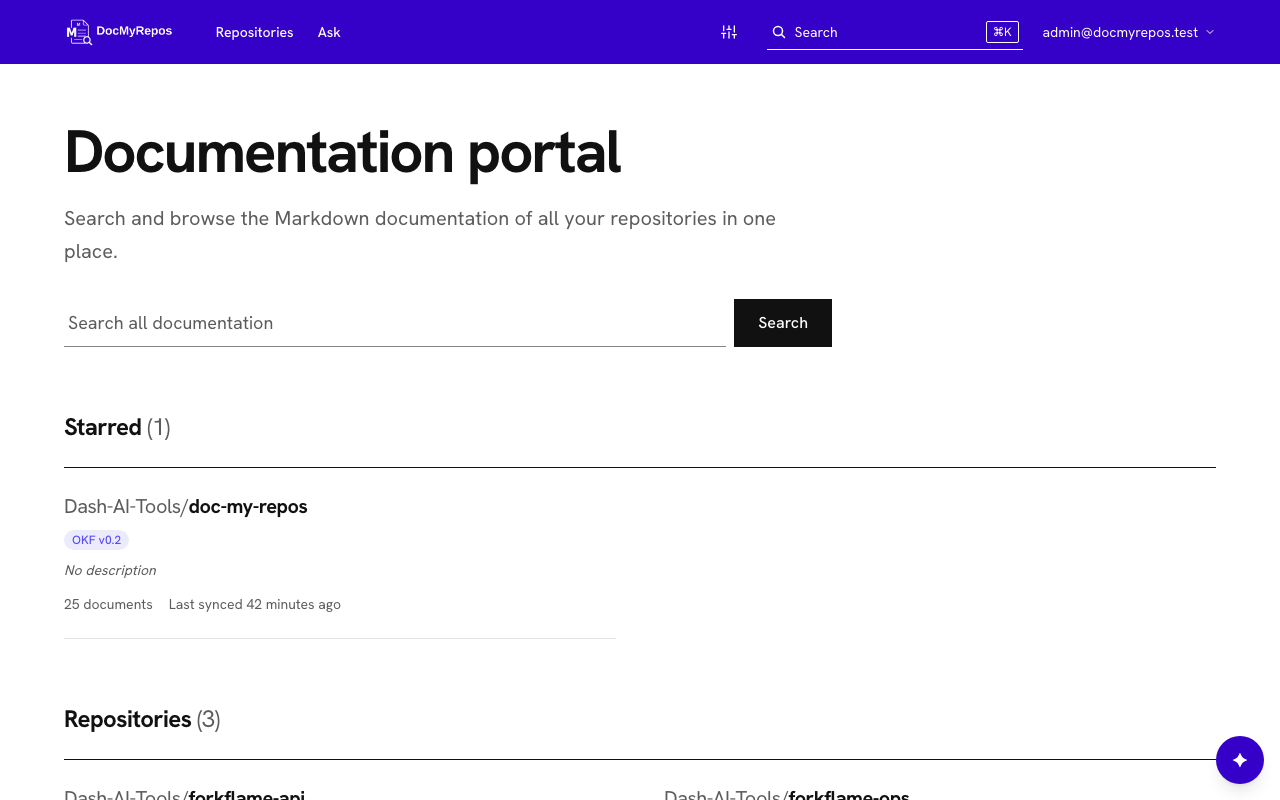
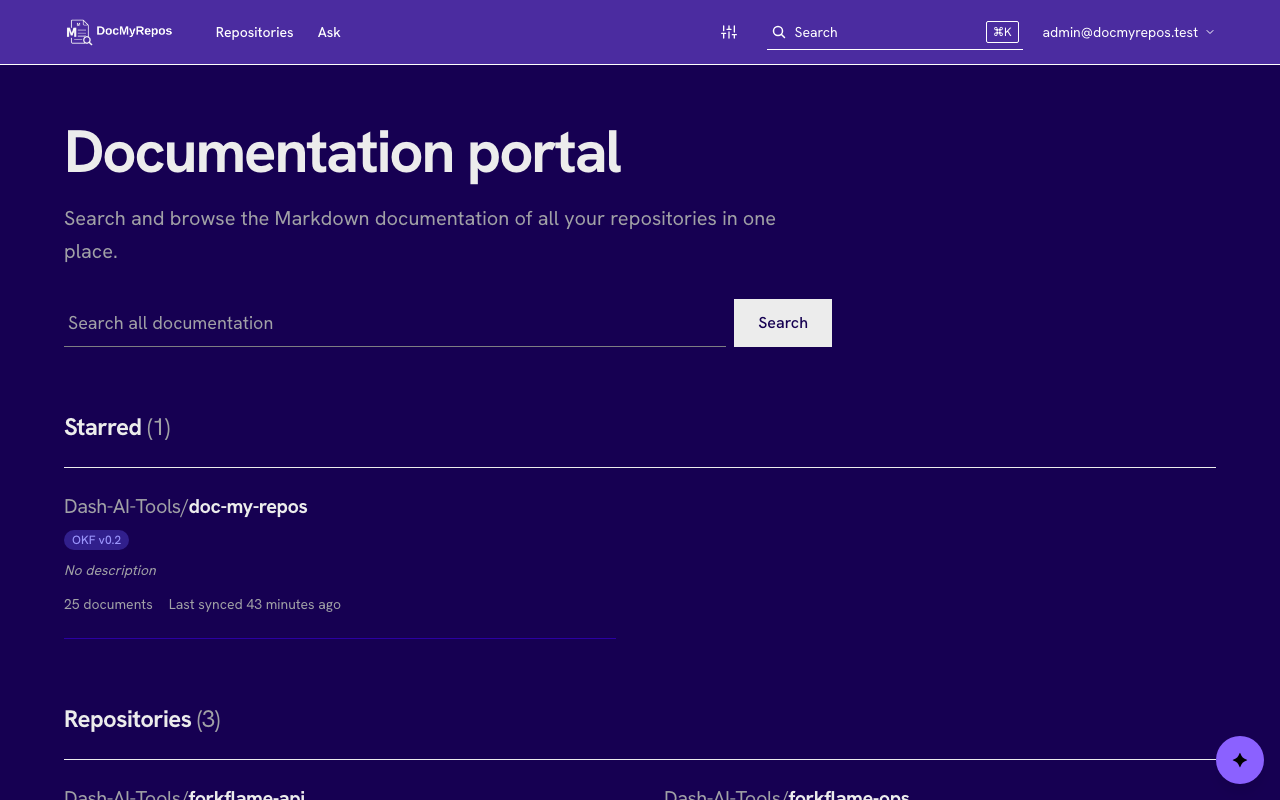
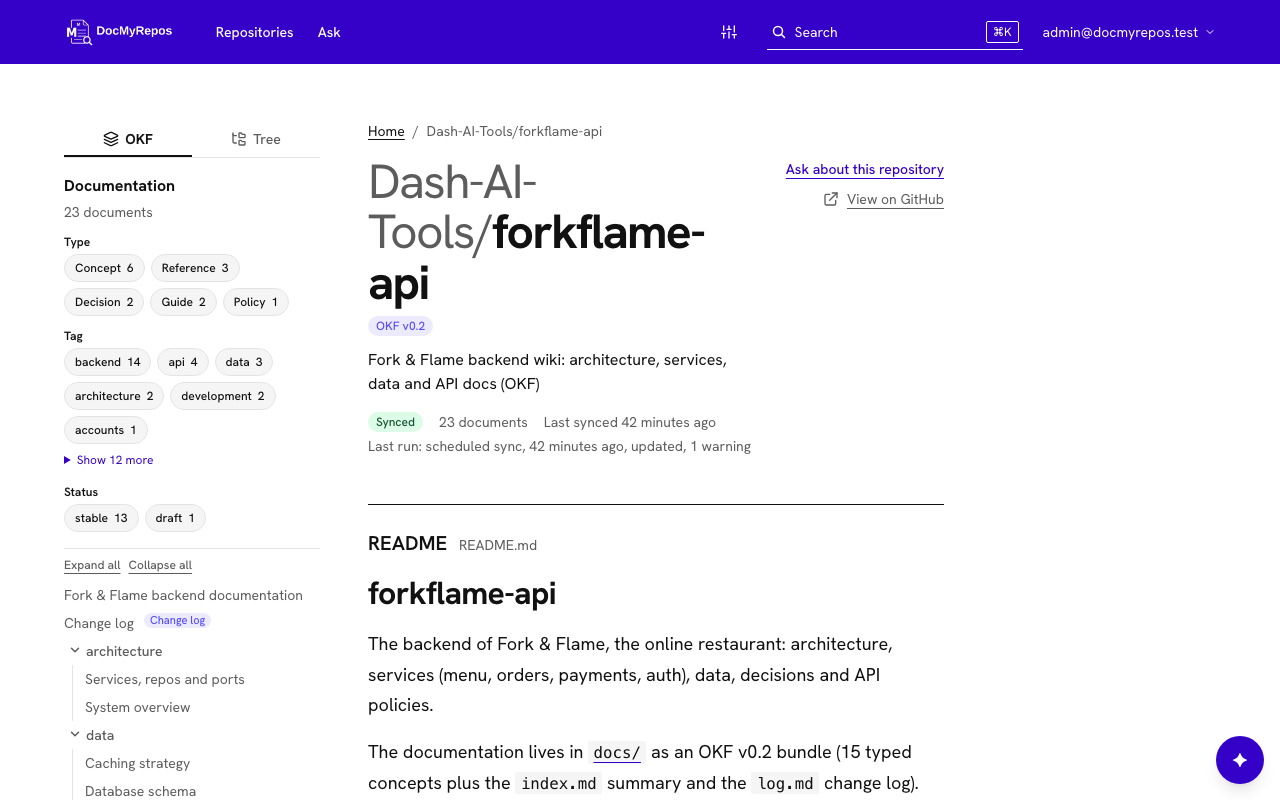
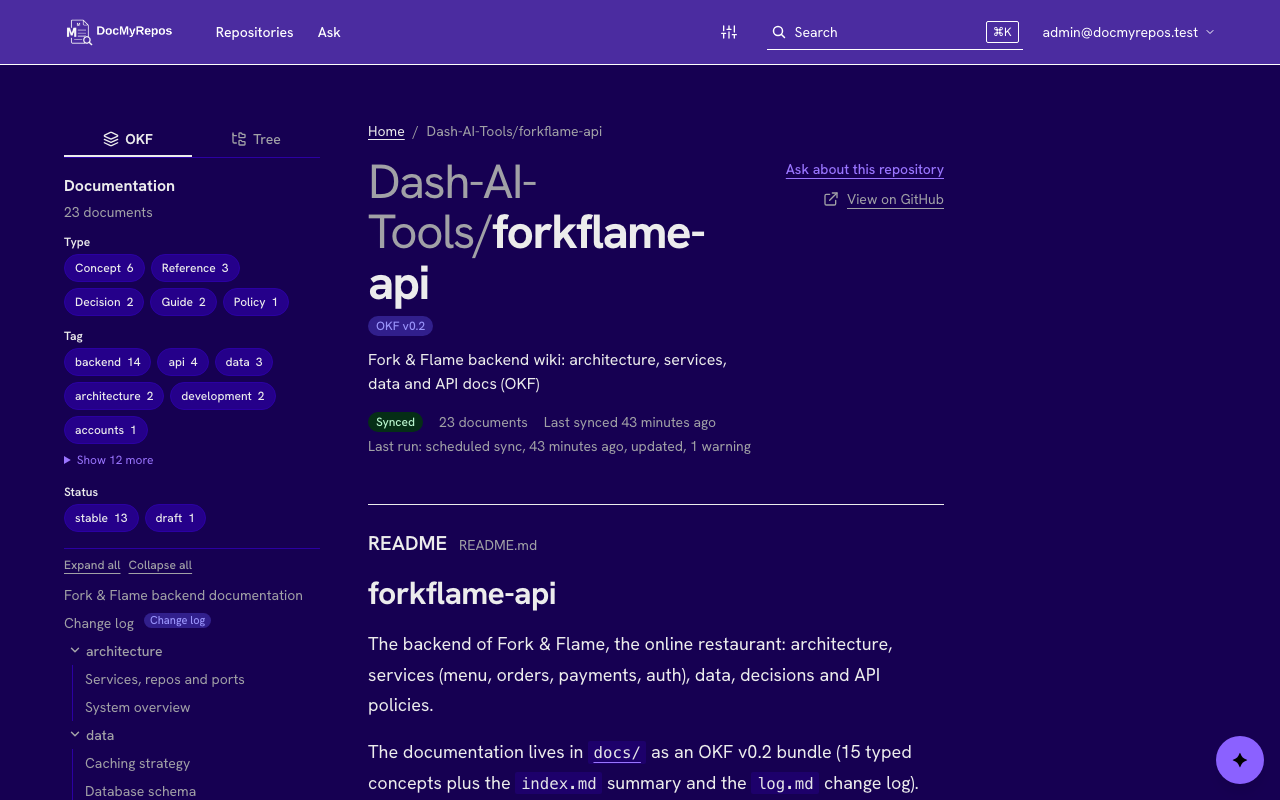
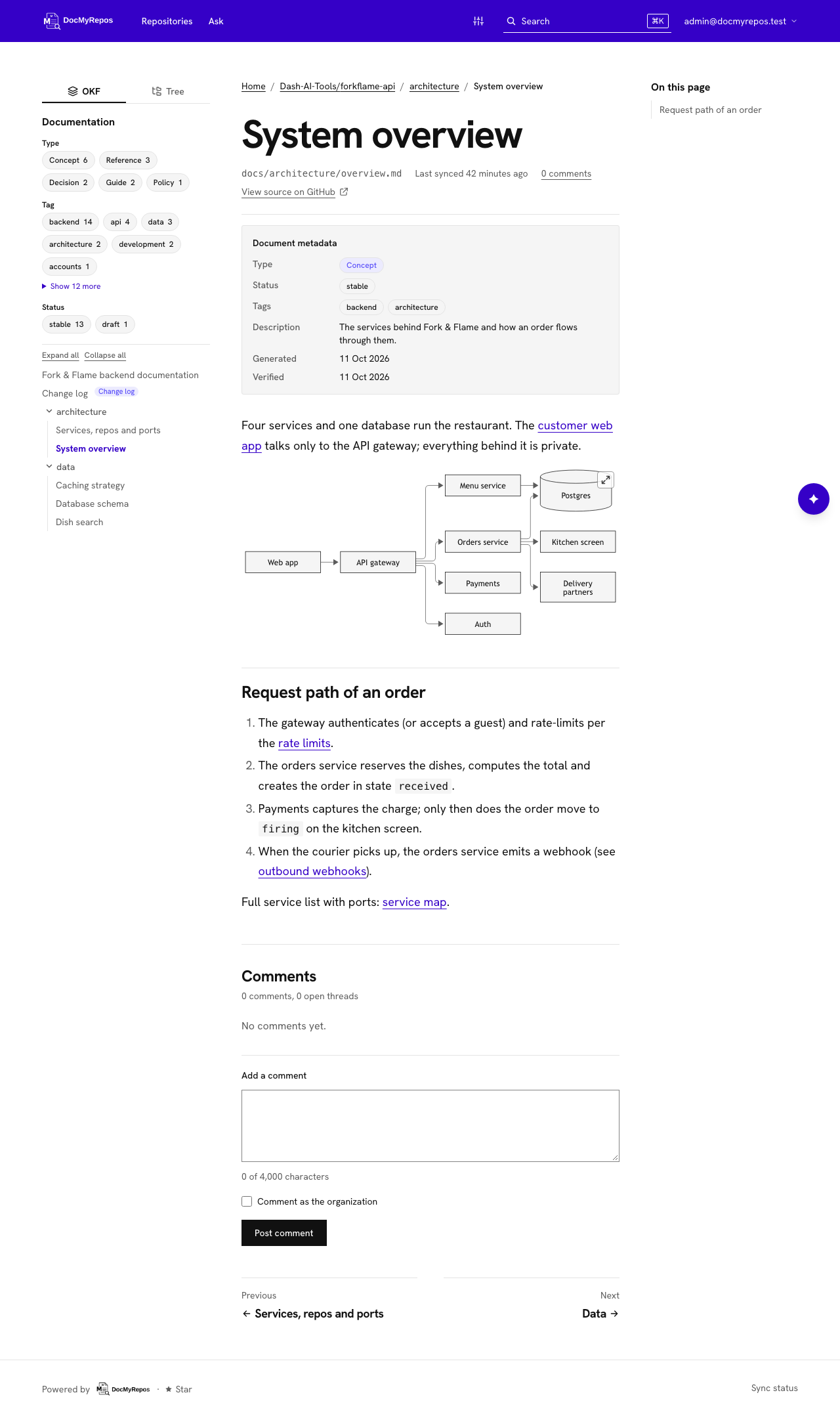
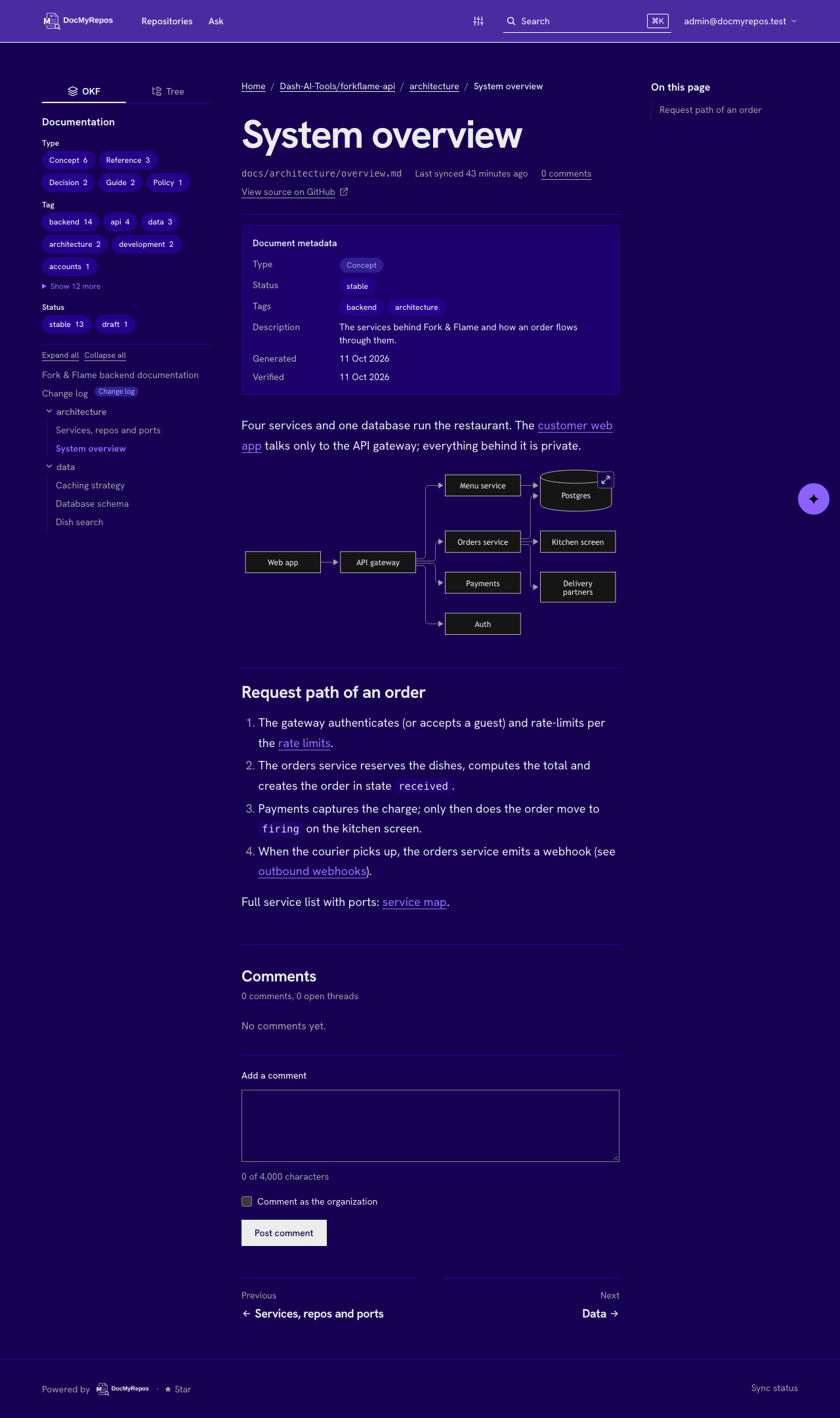
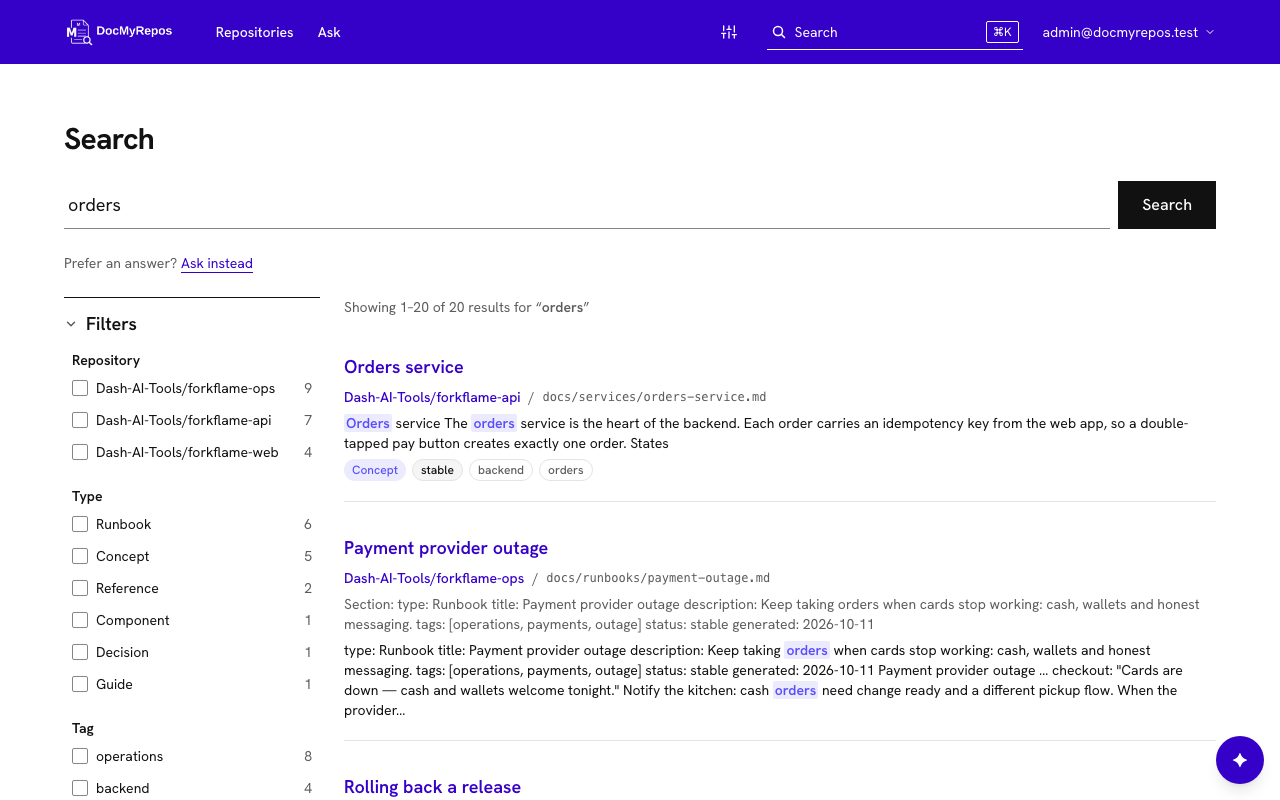
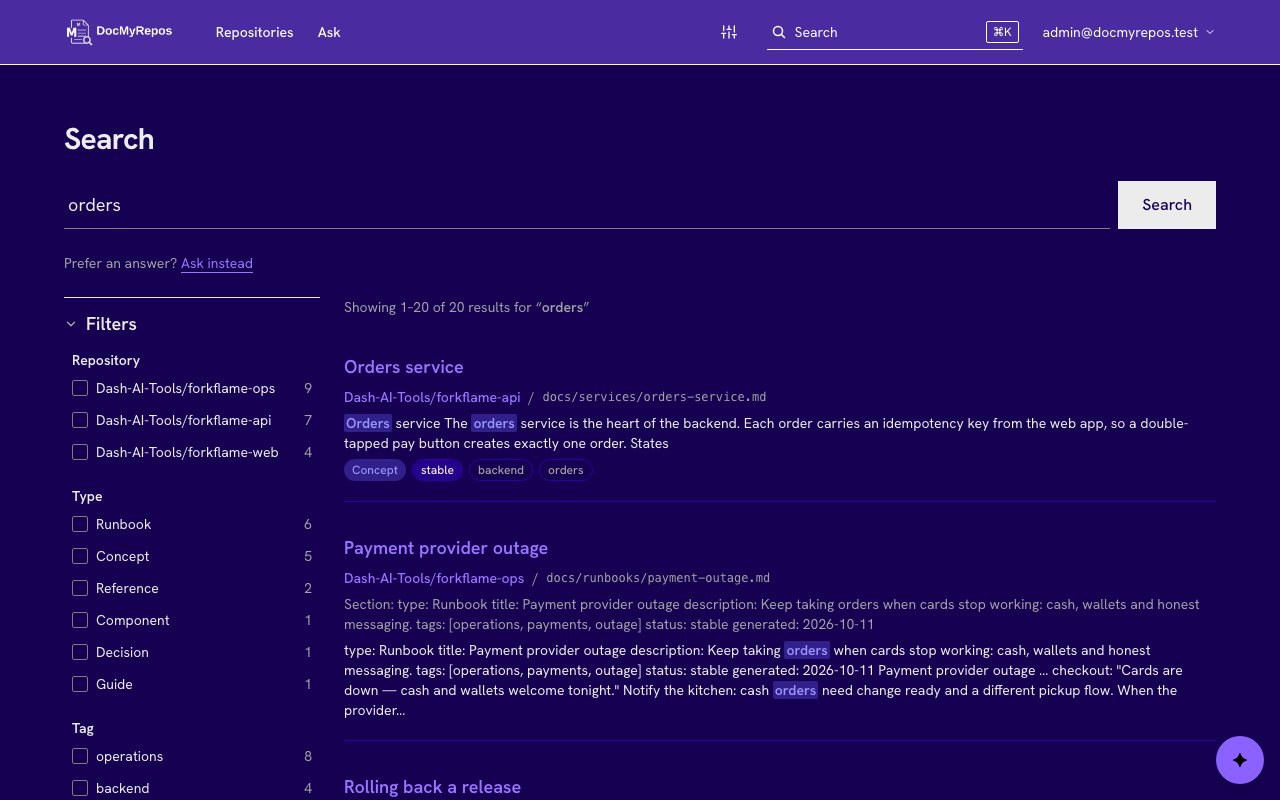
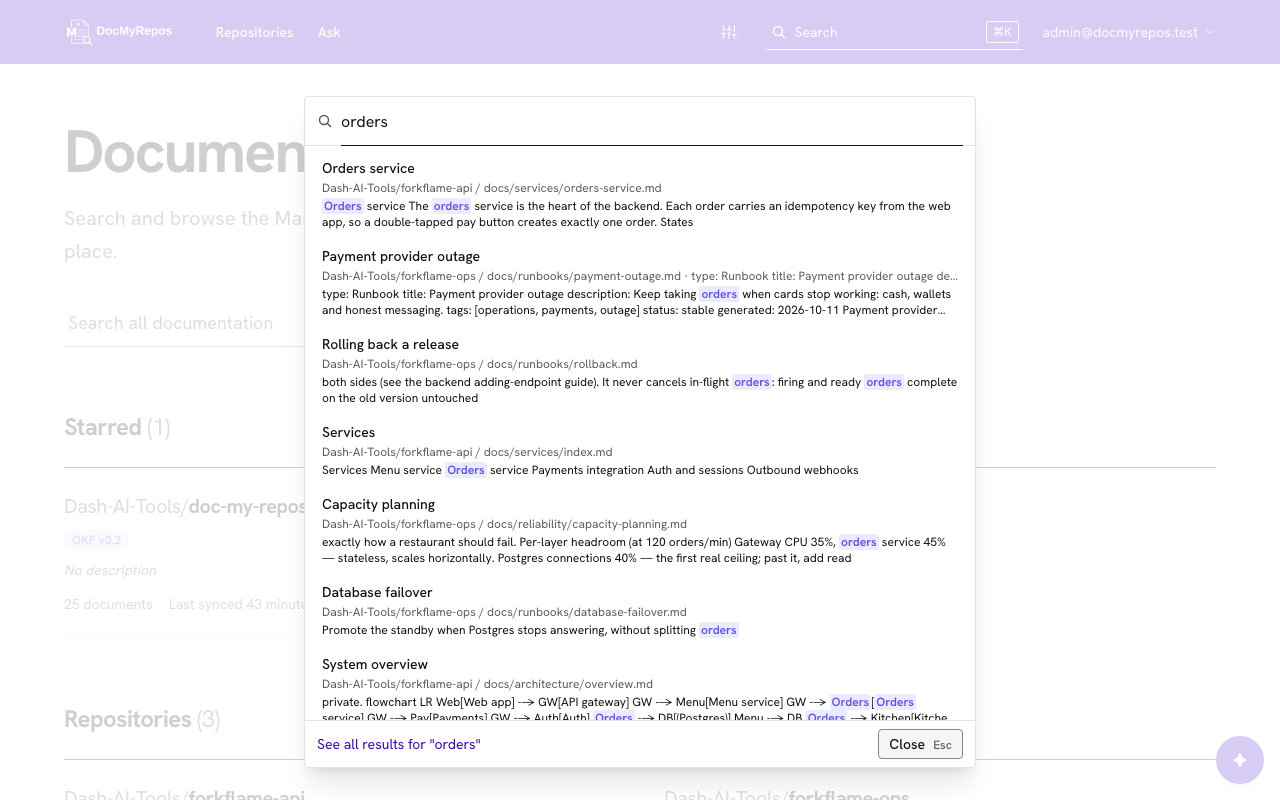
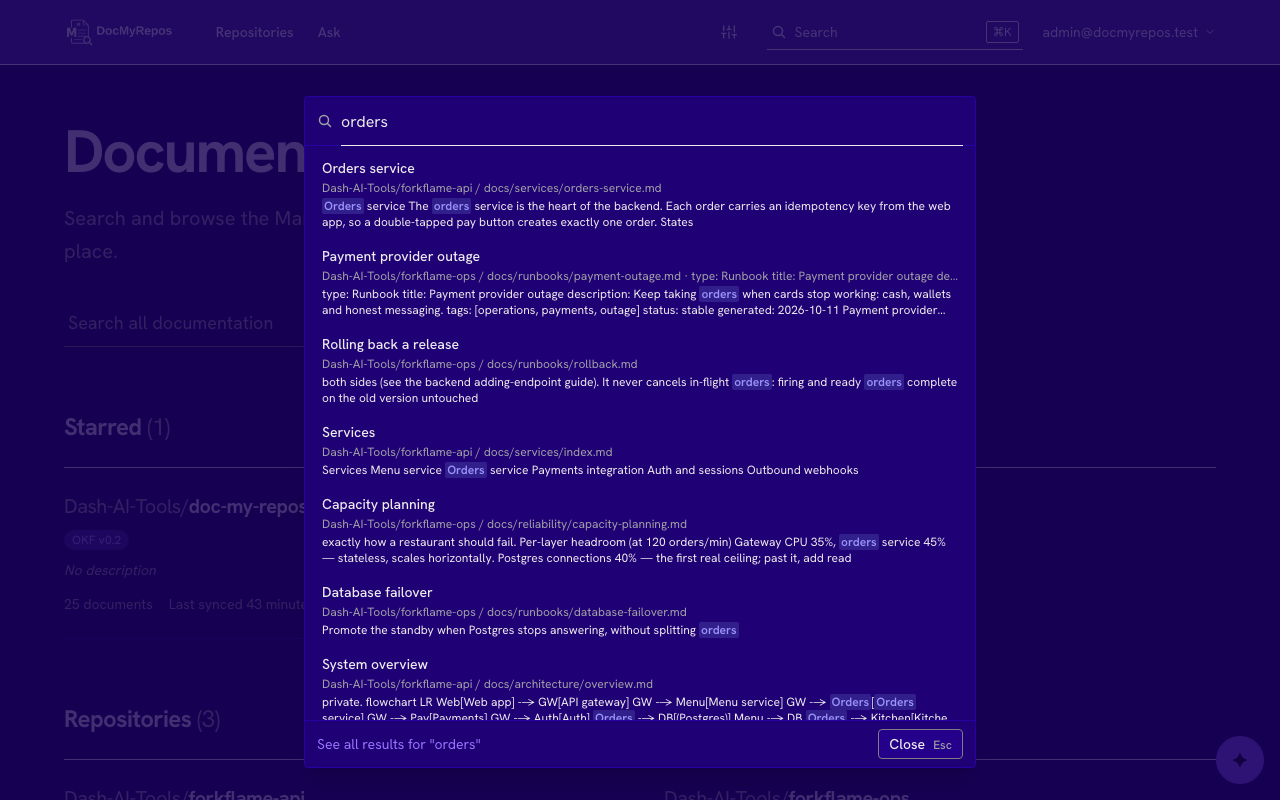
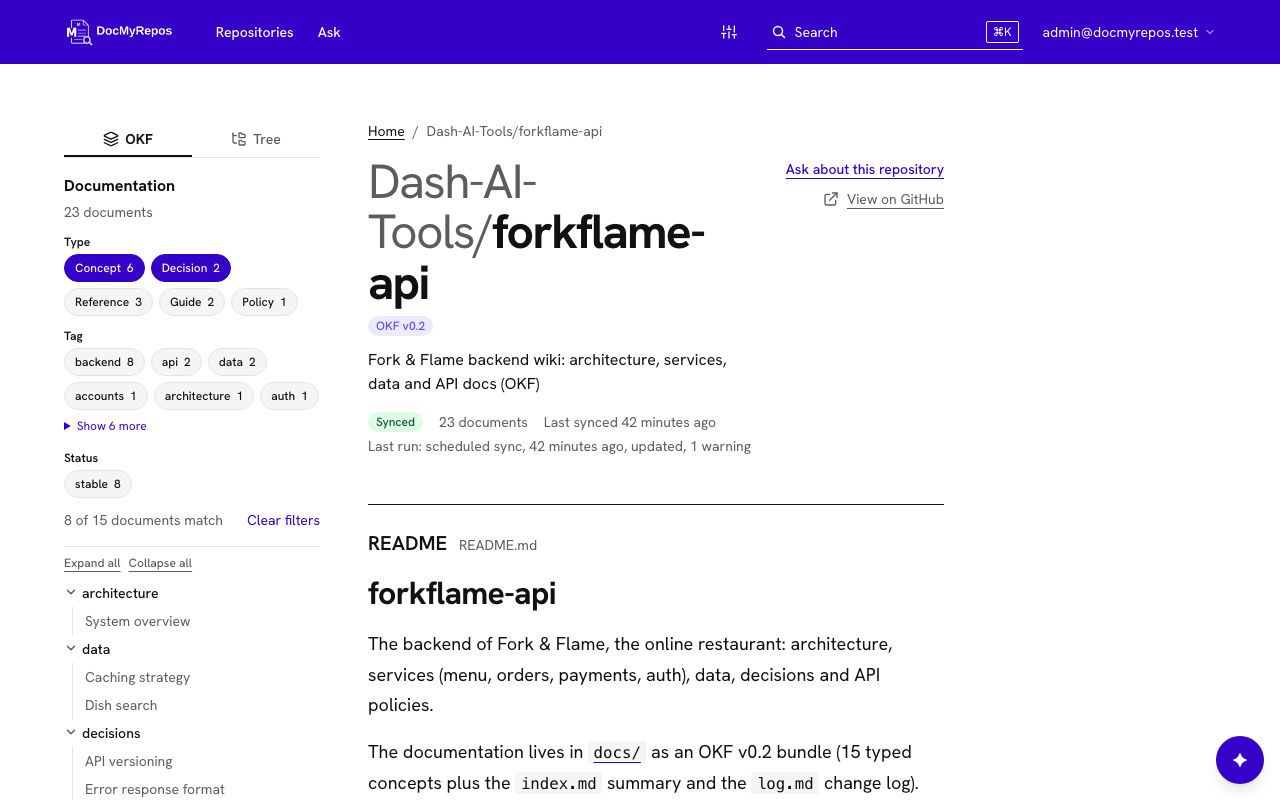
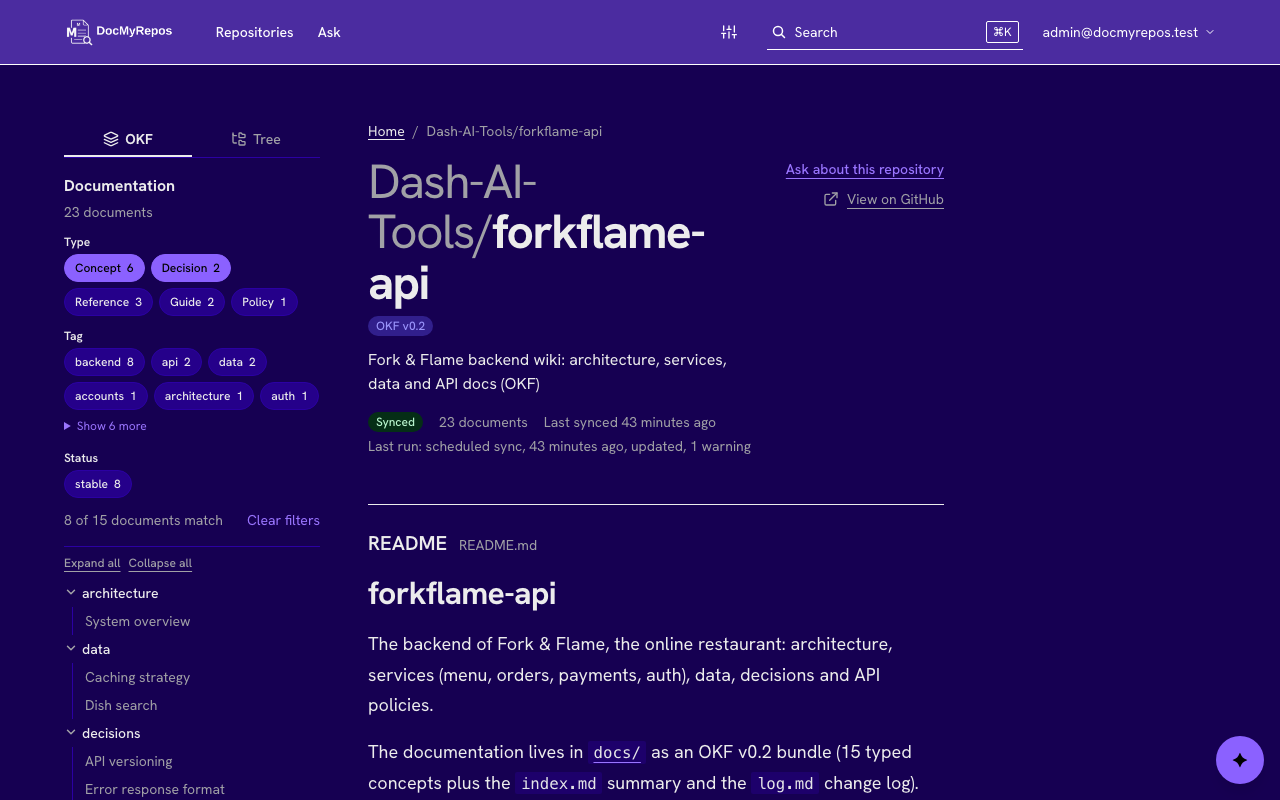
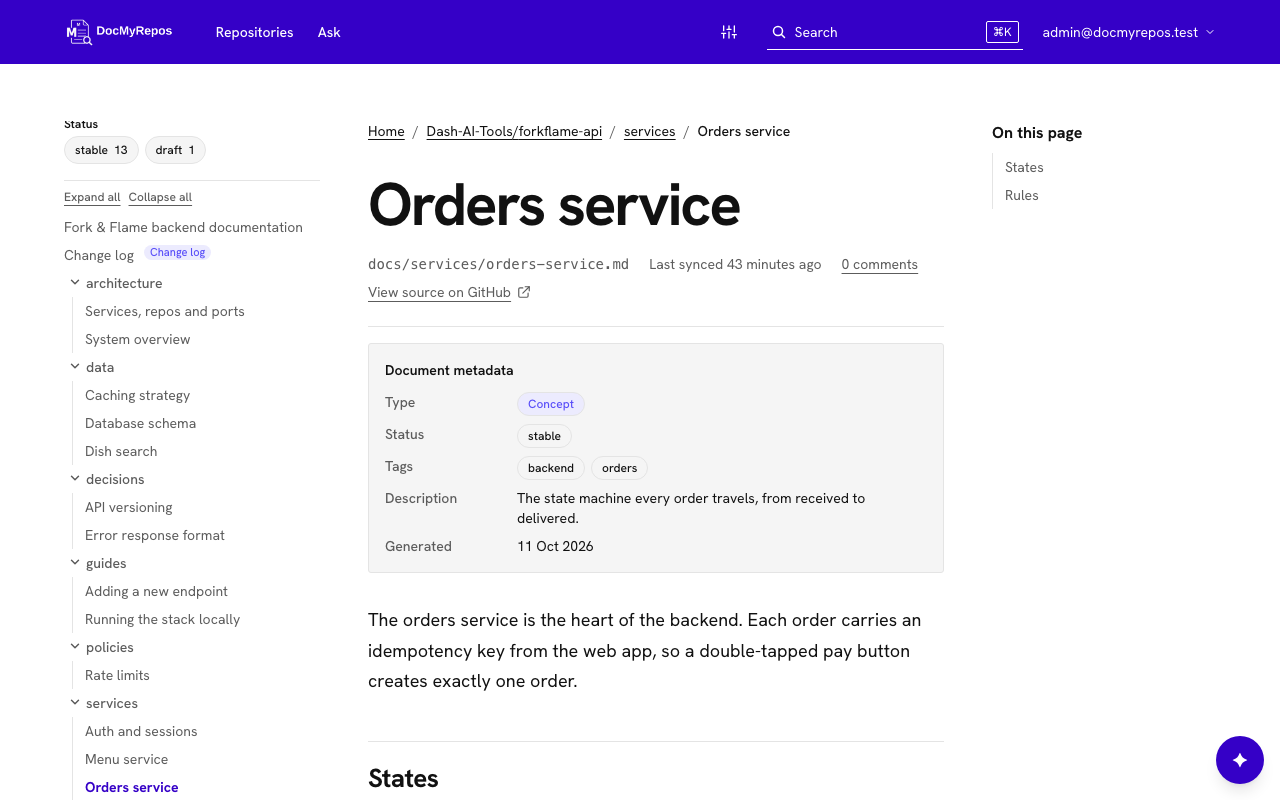
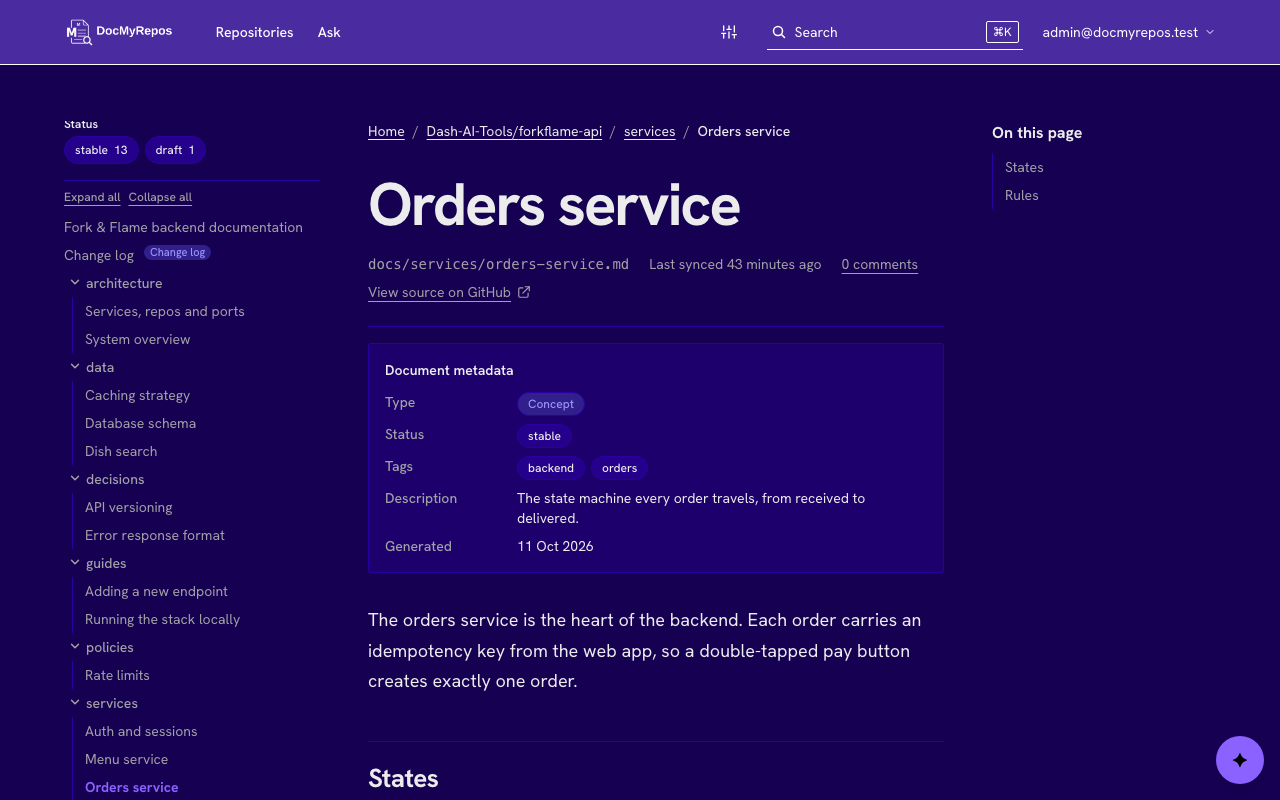
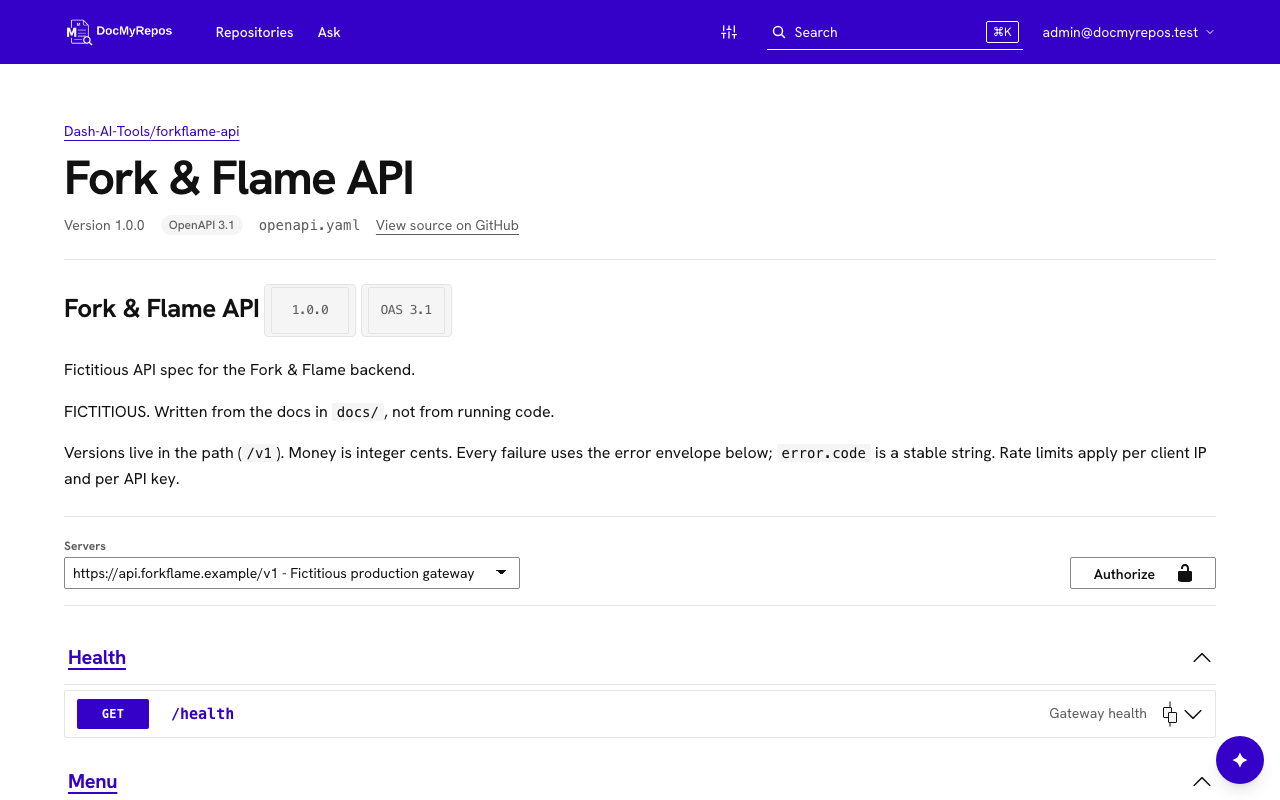
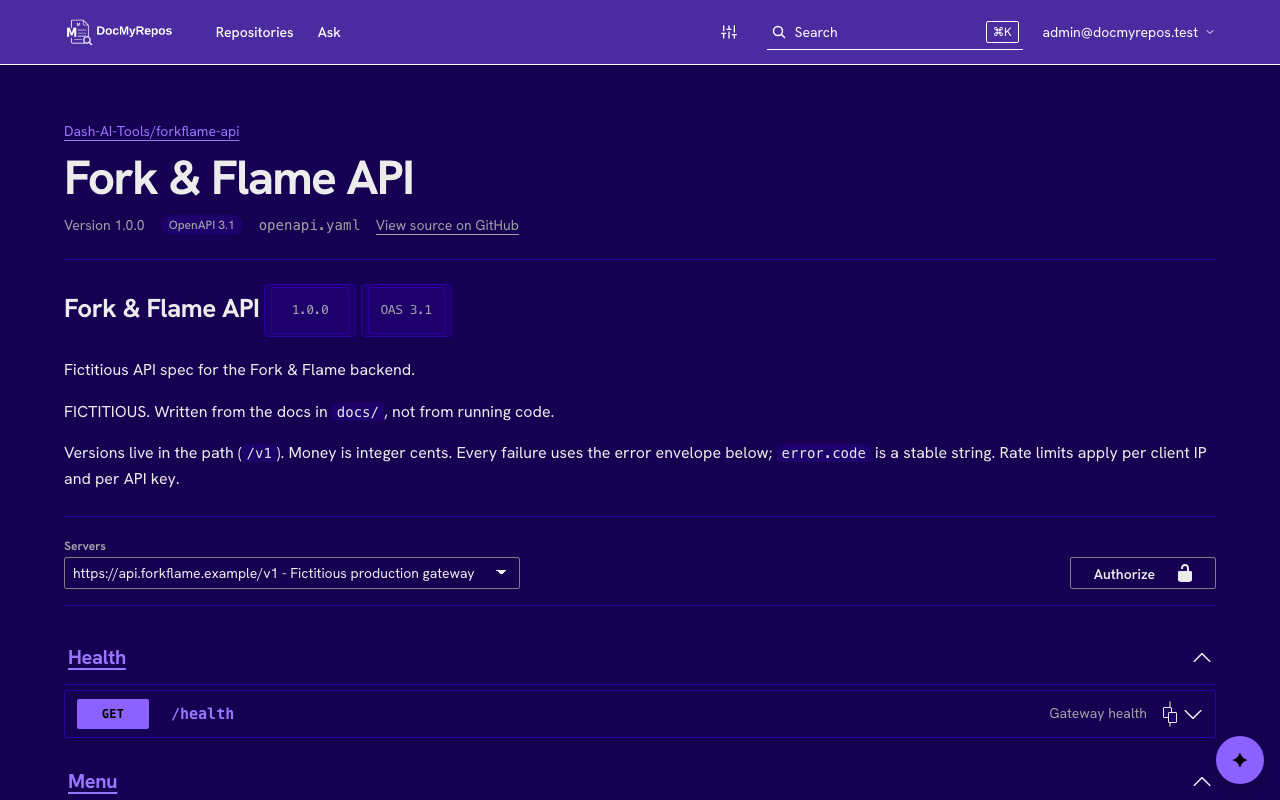
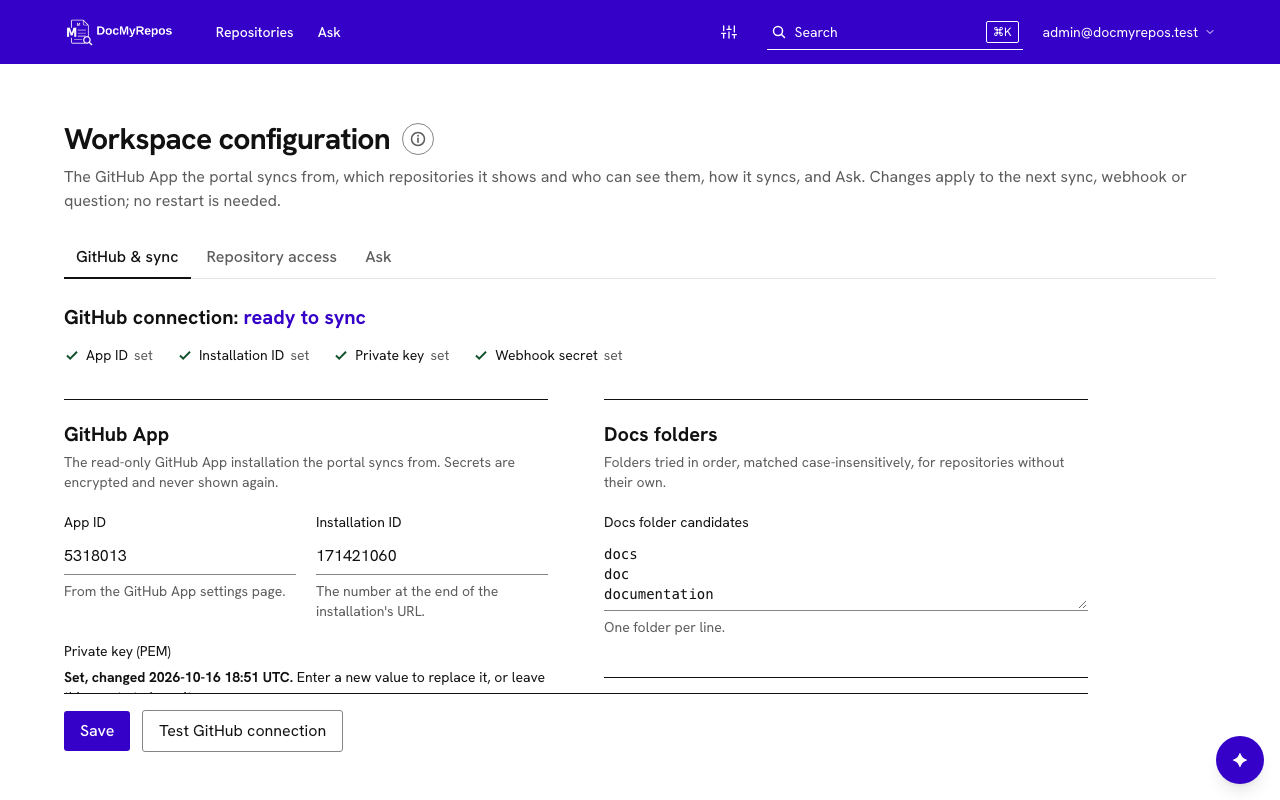
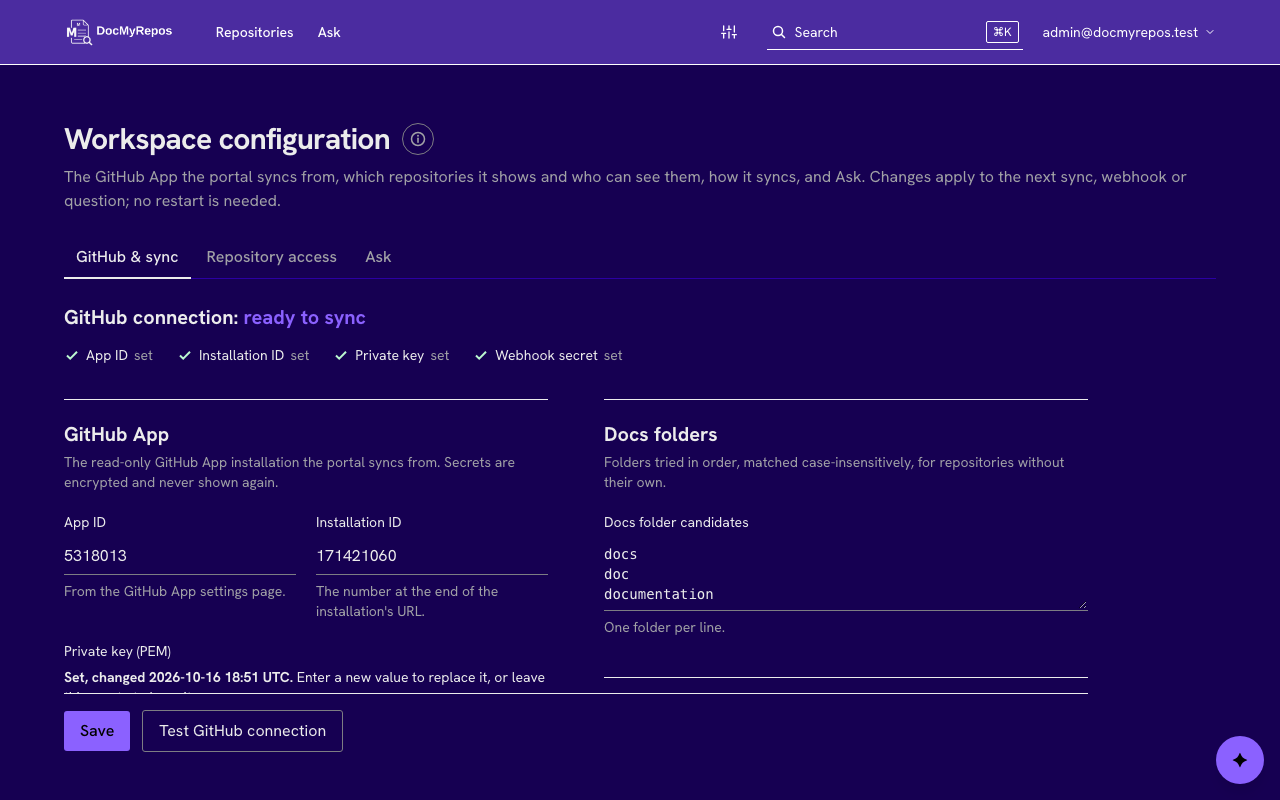
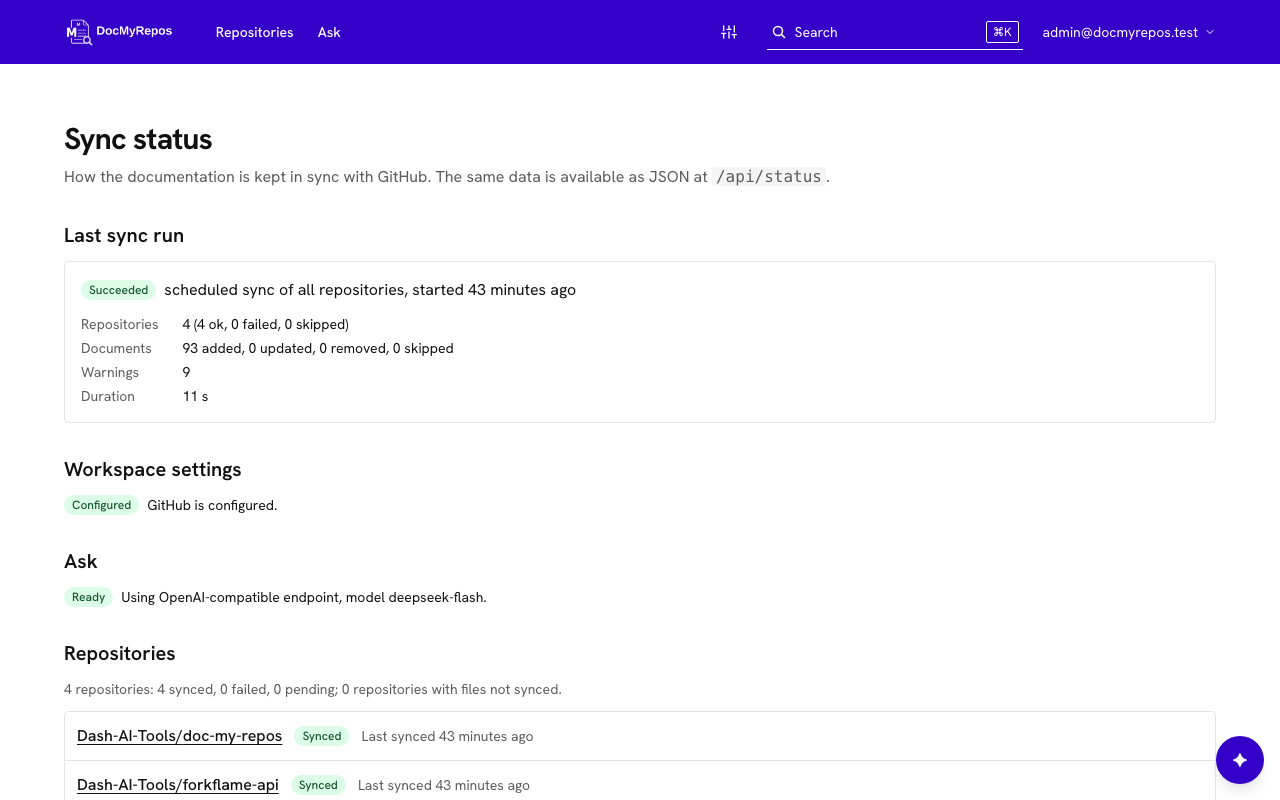
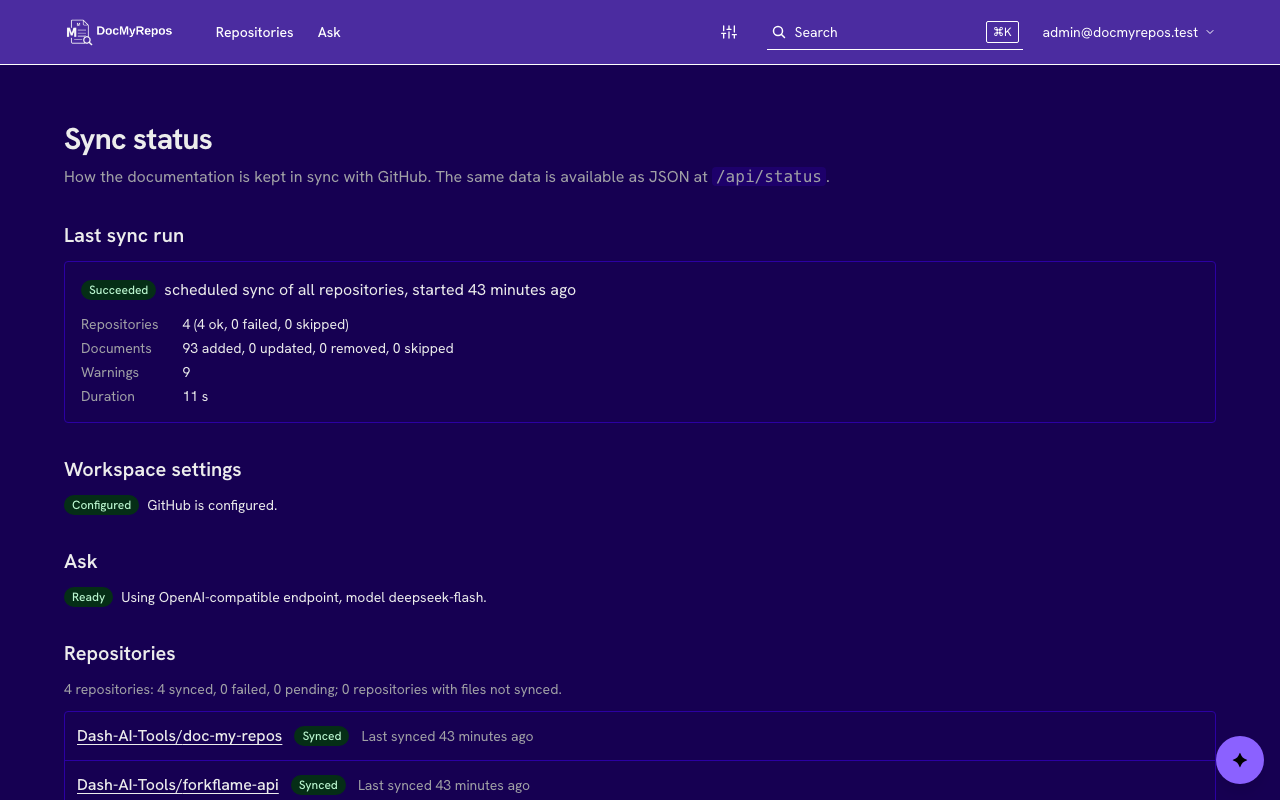
These are DocMyRepos screenshots from a running instance. The documents belong to a fictitious restaurant, Fork & Flame. They follow your light or dark theme.
What it does
Repo spaces
Every repository you choose gets its own space: the main README, the code owners from CODEOWNERS and a tree of the docs folder.
One search
Postgres full-text search across all synced repos, weighted by title, headings, description and body, with highlighted snippets, facets and a Ctrl/Cmd+K palette.
Ask the docs
An optional assistant answers questions in plain language from the synced documents and cites the exact sections. It stays off until an admin sets it up, and you bring your own model: Anthropic, or any OpenAI-compatible endpoint, including local ones.
AI agent access
Claude Code, Cursor and other agents read your docs through a read-only MCP endpoint. Each user creates a personal token that is shown once and can be revoked.
API reference
OpenAPI 3.0/3.1 and Swagger 2.0 files found in a repository are shown on a read-only reference page.
Comments
Signed-in users discuss a document on its page, and admins can answer as the organization and moderate. Comments live in the portal, not in GitHub.
Safe Markdown
Plain GitHub-flavored Markdown with Shiki highlighting and Mermaid diagrams. Documents are untrusted: output is sanitized and .mdx is never executed.
OKF filters
When a repo uses Open Knowledge Format, filter by concept type, tags and status, and switch between the OKF view and a folder tree. Repos without it show no OKF interface.
Your branding
Admins set the organization name, page title, colors and logo from the app. Light, dark or system theme, including code blocks and diagrams.
Read-only access
It installs as a read-only GitHub App, never a personal access token. GitHub is not called while you browse: pages and search read Postgres only. The portal sits behind a login with admin and user roles.
Stays fresh
GitHub webhooks re-sync a repo when its default branch changes, and a scheduled full sync catches missed deliveries. Syncs are incremental, and a failed sync keeps the previous content.
Run it yourself
Self-hostable. One Next.js app plus Postgres, with a Docker image and a Compose file. MIT licensed.
You need a GitHub App first. The setup guide covers the read-only permissions, the events and the webhook.
The install script does the rest. On Linux, macOS or WSL with Docker, it asks four questions, generates the secrets, starts the app and Postgres and waits until it is healthy. Then sign in as admin, enter your GitHub App under Admin > Workspace configuration and press Run first sync. Read the script before you run it if you prefer.
# after creating your GitHub App (needs Docker with Compose v2)
curl -fsSL https://raw.githubusercontent.com/Dash-AI-Tools/doc-my-repos/v0.1.0/install.sh | sh
# open the address it prints, sign in, then
# Admin > Workspace configuration > Run first sync

# or from a clone, with Docker Compose
git clone https://github.com/Dash-AI-Tools/doc-my-repos.git
cd doc-my-repos
cp .env.example .env
docker compose up -d --build --wait